


Never before have Canadians had so many options for finding flights that won’t break the bank, and some of our favourites include Google Flights, Kiwi, and Skiplagged. We love using these sites as a starting point and then booking on the airline’s website directly, which eliminates the third party and can be helpful if you need to make changes to your booking.
We’ve put together a handy overview of how each website compares so that you can easily find the cheapest flight without spending a whole day searching. Let’s dive in!
Never miss an amazing deal again + get our bonus 250+ page eBook for FREE. Join 50,000 other Canadians who receive our weekly newsletter – learn more.
Best websites to find cheap flights
There are countless websites that allow you to search for flight deals within Canada and around the world – some better than others. But before we go over our top 8, we should note that you’ll often get the best price by booking directly with the airline. Plus, you won’t have to go through a third party if you have concerns or need to make changes to your booking.
If you’re unsure where to start searching, using a comparison website can give you a starting point. Here are our top picks:
| Loyalty program | Price match guarantee | 24/7 customer support | Payment flexibility | Price alerts | |
|---|---|---|---|---|---|
| Google flights | No | Available on some itineraries | No customer support available | No | Yes |
| Momondo | No | No | Chatbot only | N/A | Yes |
| Expedia | Yes | Price Drop Protection for a fee | Yes | Yes | Yes |
| Skyscanner | No | No | No | N/A | Yes |
| Kiwi | No | No | Instant chat only | Yes | Yes |
| Kayak | No | No | No | N/A | Yes |
| Skiplagged | Yes | No | Email only | N/A | Yes |
| Cheapflights | No | No | No | N/A | Yes |
Google Flights
Available to book: Flights, hotels, vacation rentals
App rating: N/A
We like Google Flights for its ease of use, flexible date grid, and price-tracking features. It allows you to compare fares across various airlines instantly, so it’s easy to spot the best deals. Plus, it offers transparent pricing and lots of filters so that you can conduct an efficient search for cheap flights.
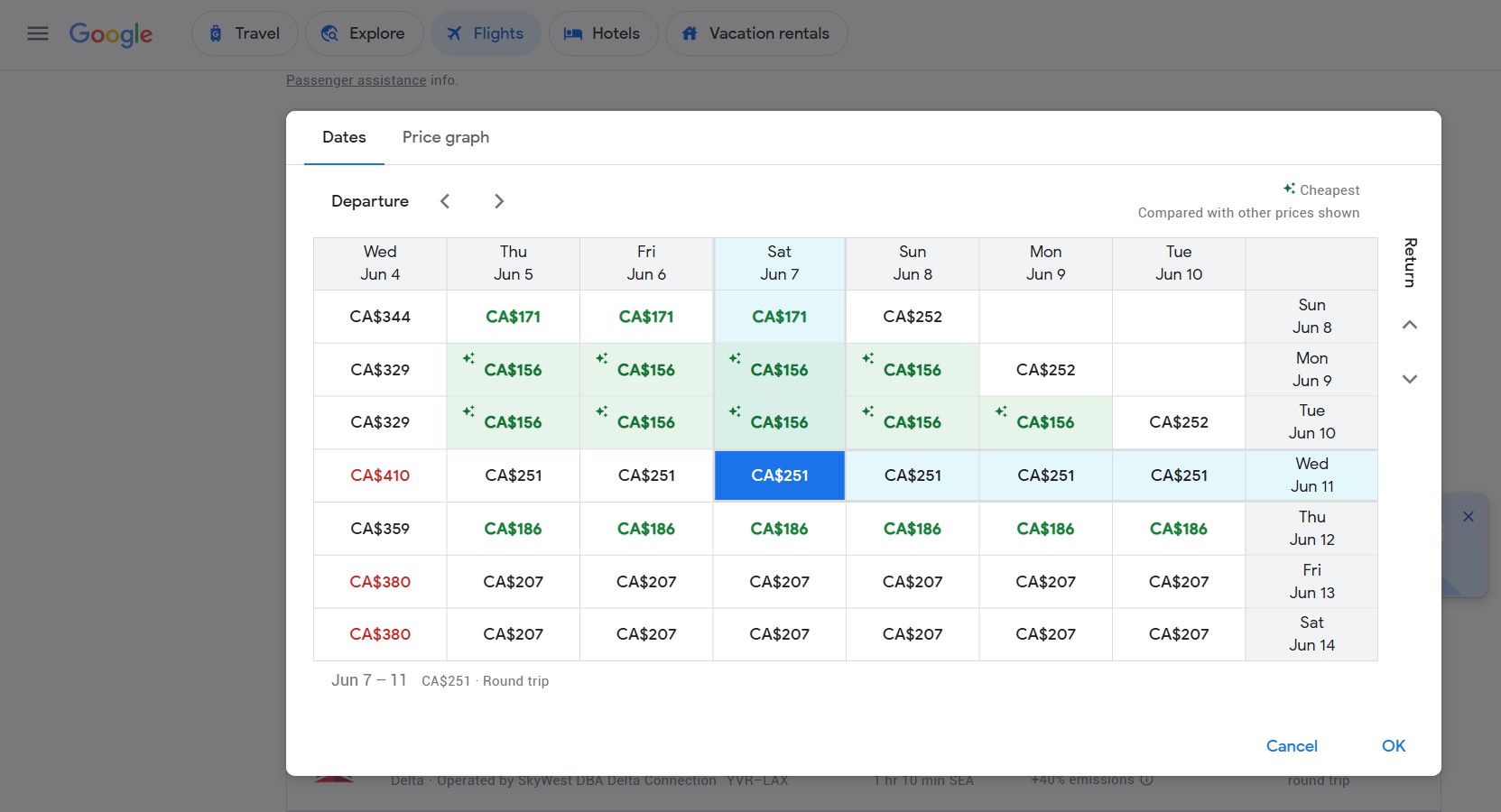
Pros:
- Streamlined site
- Easy to discover cheap flight destinations
- Great flight map with prices to any destination
- Customizable filters (including airline, alliance, bags, and more)
- One of the fastest websites
Cons:
- No app
- Doesn’t display the total number of results
- Might require you to book directly with the airline and can sometimes display fares from questionable third-party platforms
- Some airlines not included in results
Momondo
Available to book: Flights, hotels, car rentals, vacation packages
App rating: 4.9 App Store, N/A Google Play
Momondo is a good site to check when you're trying to find cheap flights – and it has an iOS app. Momondo pulls prices from lots of airlines and travel sites, so you get a wide range of options. The interface is easy to use and the calendar view makes it simple to spot cheaper dates. Plus, you can use the Explore feature to find cheap flights from any city, even narrowing it down by the type of trip you want. It’s a handy tool if you’re flexible and want to save some money.
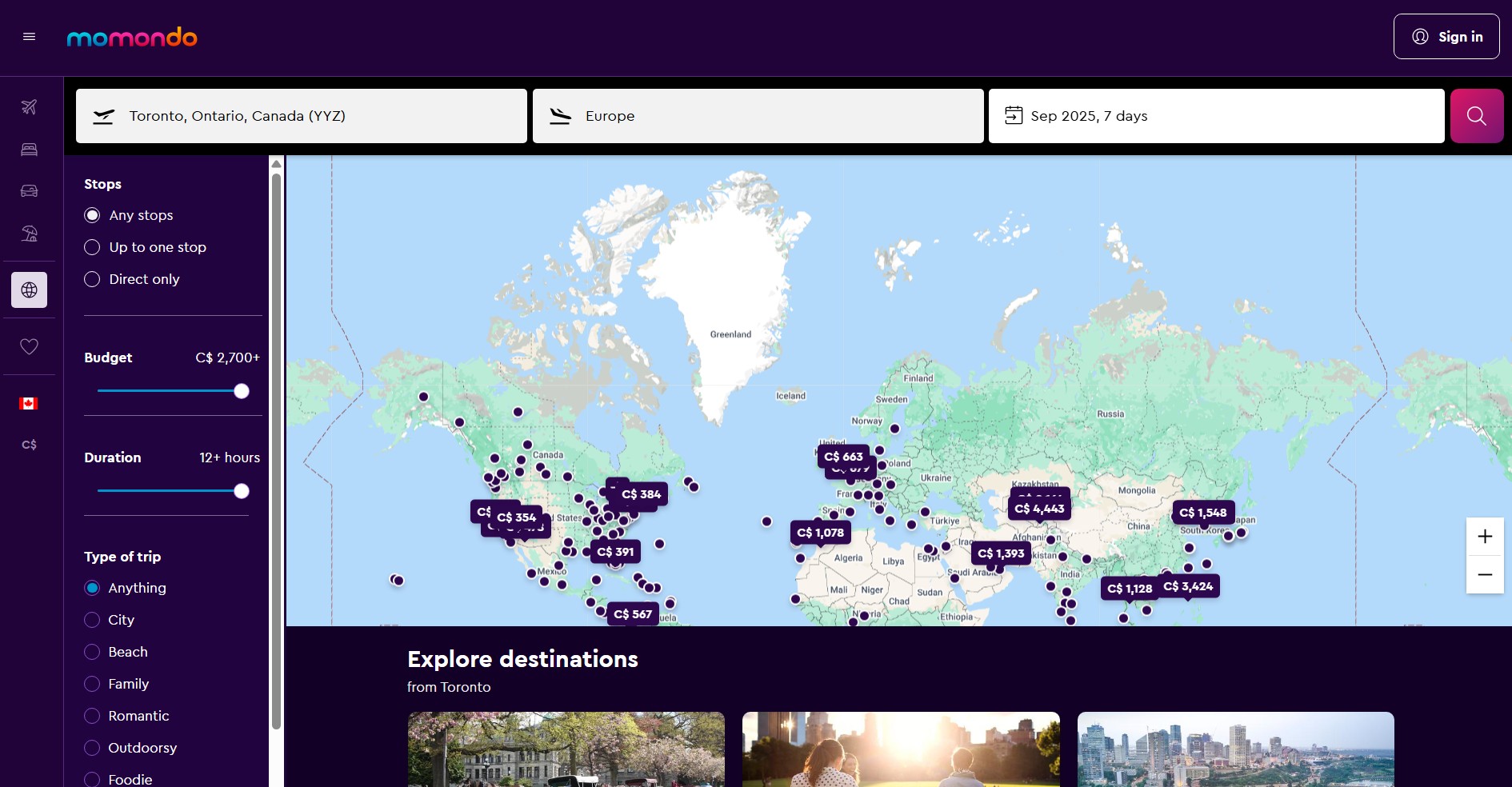
Pros:
- Offers customizable AI filters
- Lots of useful filters, including airline, alliance, flight quality, and more
- Clearly displays airlines for each segment of travel
- Simplified flight results that are easy to digest
Cons:
- Redirects to airline or travel partner site
- Can be tricky to book the lowest possible fare
- No app available on Google Play
Expedia
Available to book: Flights, hotels, car rentals, vacation packages, cruises, activities
App rating: 4.7 App Store, 4.8 Google Play
Expedia is a solid option for finding affordable airfares – especially if you want to bundle your flights with a hotel or car rental. It’s easy to use and often has deals when you book multiple things. Expedia also offers a loyalty program, which earns you dollars to apply to future bookings. You might not always find the cheapest flight with Expedia, but it’s convenient if you like booking everything in one place.
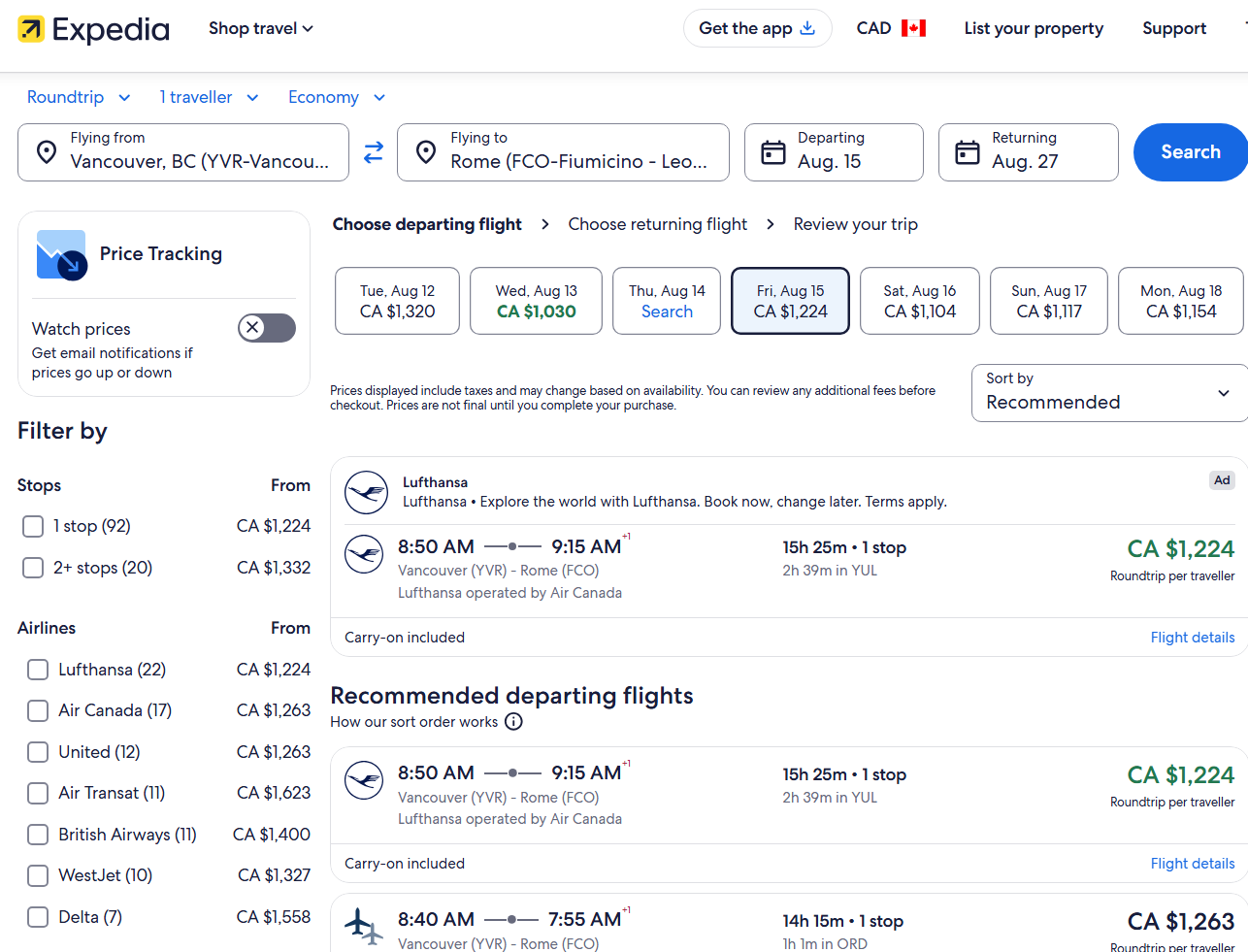
Pros:
- Runs frequent sales or bundling discounts
- Price tracking feature
- Can set up a payment plan
- Can purchase travel insurance
- Loyalty program
Cons:
- Doesn’t display prices from other travel agencies
- May be additional fees on top of listed prices
- Cancellation policies are unclear or may cost money
Skyscanner
Available to book: Flights, hotels, car rentals
App rating: 4.7 App Store, 4.8 Google Play
Skyscanner is great if you want to quickly compare a bunch of flight prices in one place. It’s especially useful if your travel dates or destination are flexible – you can search by whole month or even "everywhere" to find the cheapest options. Some users say they find the interface needlessly complicated, but in our experience, it’s a good starting point when planning a trip.
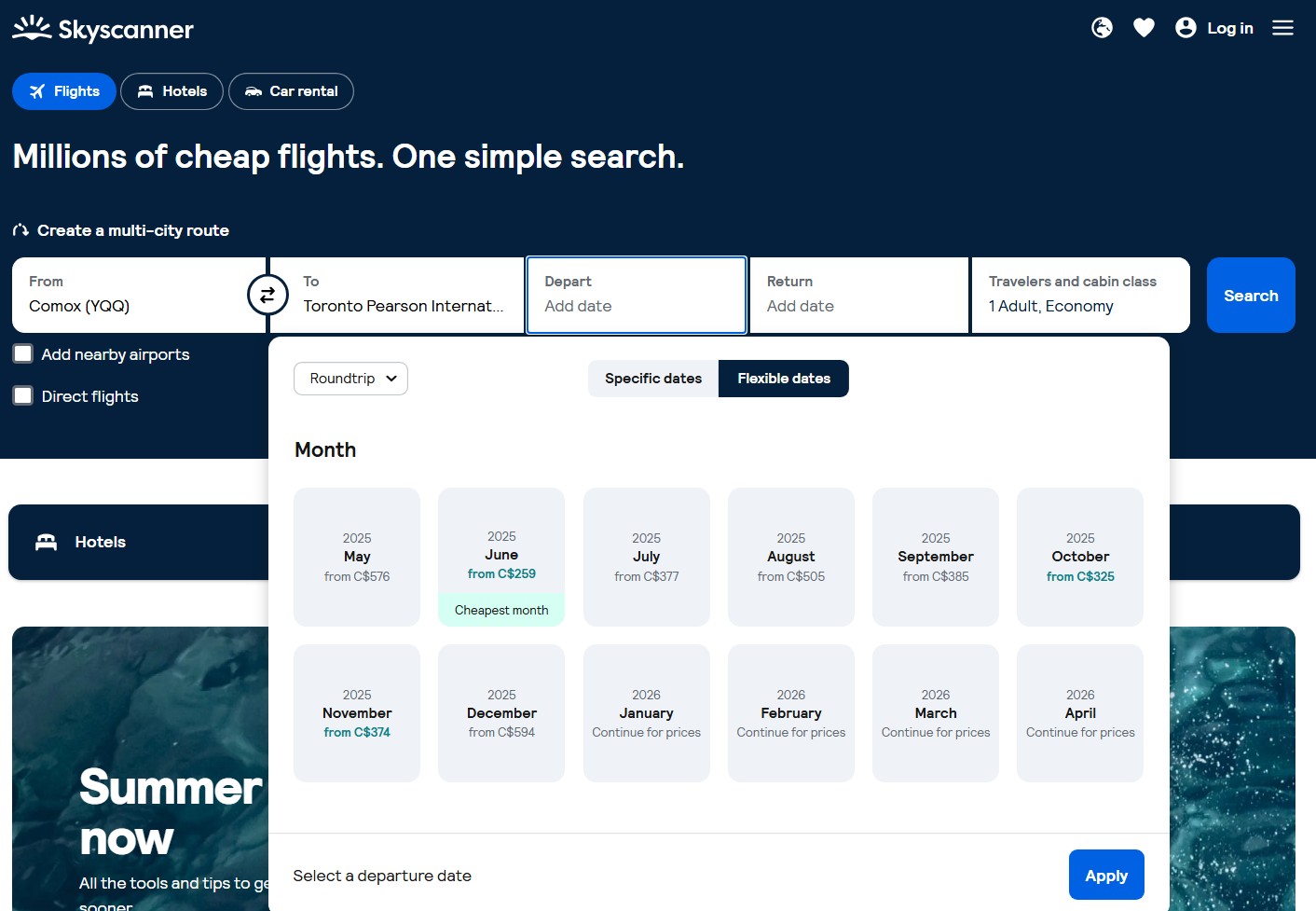
Pros:
- Easy-to-use multi-city destination option
- Shows options for lower-emission flights
- Wide variety of flexible search options
- Shows customer satisfaction for booking websites
- Includes all fees and taxes in listing price
- "Everywhere" feature lets you find cheapest destinations from your point of origin
Cons:
- Doesn’t offer predictive price tools
- Automatically shows recommended flights rather than cheapest
Kiwi
Available to book: Flights, cars, hotels via booking.com
App rating: 4.6 App Store, 4.4 Google Play
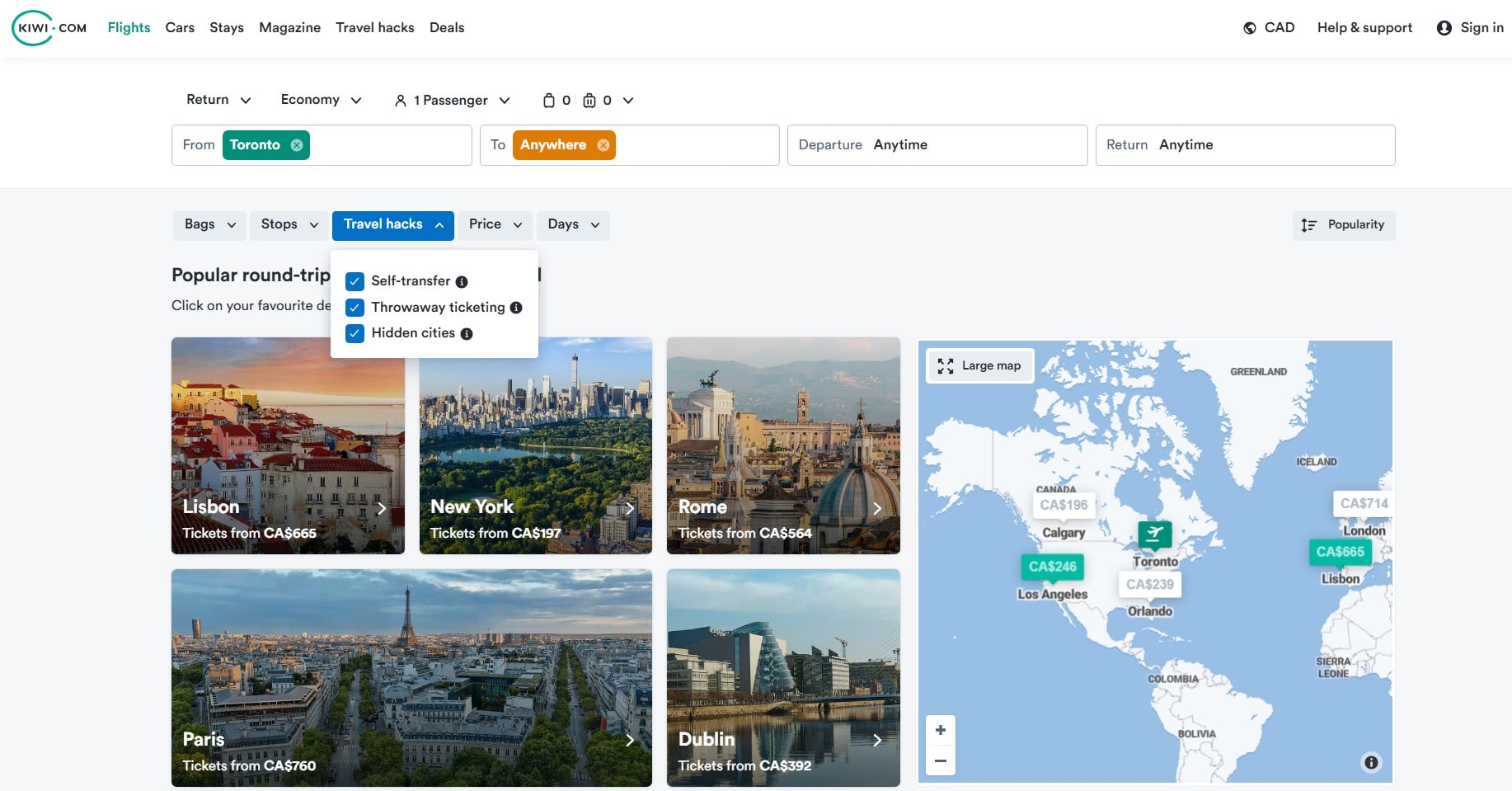
Kiwi is a Europe-based site for finding unique or budget-friendly flight combos, especially if you're open to mixing airlines (aka self-transfers) or taking less direct routes. Their "travel hacks" search options cover three things to help you find cheaper flights:
- Self transfer, which finds tickets booked separately that get you to your destination
- Throwaway ticketing, which finds you cheaper round-trip flights even if you only need one way
- Hidden cities, which helps you avoid expensive popular routes by using the layover as your final stop
Kiwi also has a guarantee that covers missed connections on certain bookings, which adds a bit of peace of mind when flights aren’t on the same ticket.
Pros:
- Ability to mix and match airlines
- Interactive search tools
- Guarantee for missed connections due to delays or cancellations
- Clean, user-friendly interface
Cons:
- Self-transfer itineraries can be risky
- Some users report poor customer service
- Additional fees (baggage, etc.) not always shown in prices
Kayak
Available to book: Flights, hotels, car rentals, vacation packages
App rating: 4.8 Apple Store, 4.8 Google Play
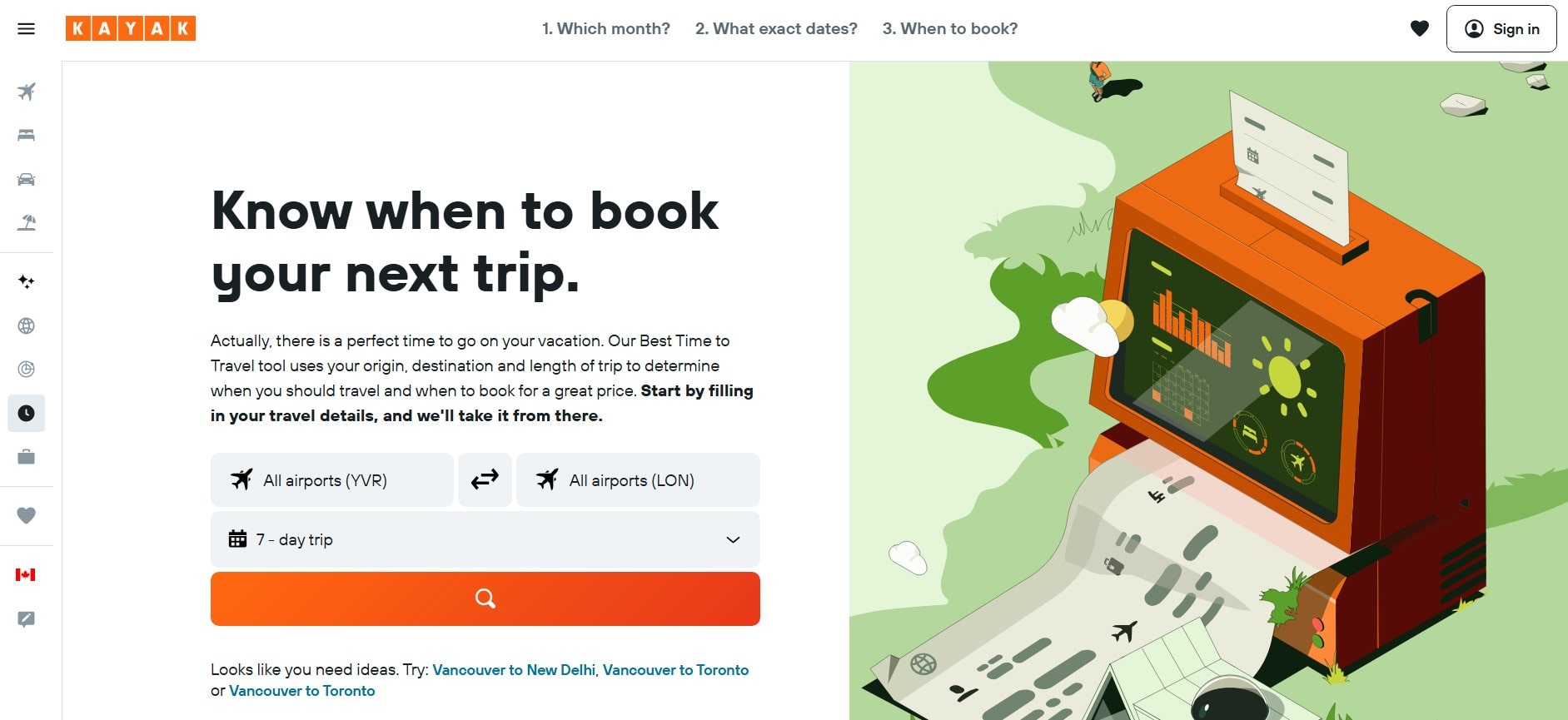
Kayak is a solid choice for seeing what flights are out there, allowing you to compare different airlines and booking sites. Similar to other sites we’ve looked at, the Explore feature is great if you’re open to different destinations, and the price trend graphs can help you decide when to book. Use the "Best time to travel" tool to figure out when you should book – and then set price alerts and track changes to score the best deal.
Pros:
- Extensive filter options
- Kayak AI travel planner
- "Best time to travel" tool
- Reveals the number of search results
- "Fee Assistant" lets you filter by the number of allowed bags
Cons:
- Cluttered user interface
- Automatically searches economy fares
- Automatically sorts by recommendation instead of cheapest fares
Skiplagged
Available to book: Flights, hotels, car rentals
App rating: 4.8 App Store, 4.8 Google Play
Skiplagged is a unique flight search site that finds "hidden city" fares – where you get off at a layover instead of the final destination – to help you save money. The platform also shows standard flights and hotel deals, but its real value is in uncovering fares you won’t typically see on other sites. It’s best for travelers with carry-on bags who don’t mind skipping the last leg of a trip to cut costs.

Pros:
- "Hidden city" fares can lead to big savings
- Simple, user-friendly interface
- Transparent pricing
- Ability to bundle flight + hotel
- Skiplagged Guarantee for certain circumstances
Cons:
- "Hidden city" method typically goes against airline rules
- Booking legs on independent tickets can be risky
- Only works for one-way tickets (miss a leg, and the remainder of your itinerary is cancelled)
- Can’t check a bag with this type of travel
- Limited customer support
Cheapflights
Available to book: Flights, hotels, car rentals, vacation packages
App rating: 4.8 App Store, 4.7 Google Play
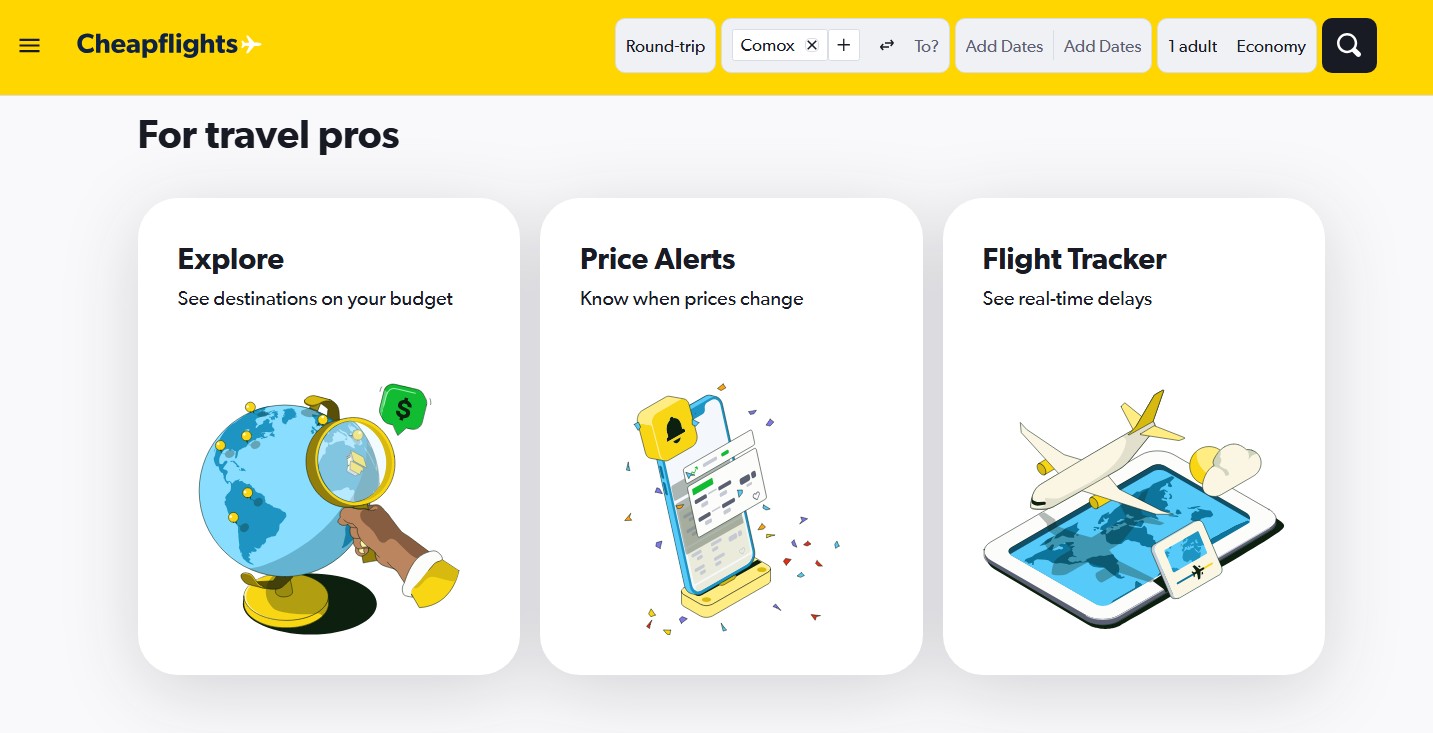
Cheapflights is a flight comparison site that pulls fares from a wide range of airlines, travel agencies, and booking platforms to help you find low prices quickly. Its flexible date search and filtering tools make it easy to spot deals, especially if your travel plans are flexible. The site also features travel tips and fare alerts, making it a solid starting point for budget-conscious trip planning.
Pros:
- Simple user interface
- Flexible search tools
- Fare alerts
- No booking fees
- Predictive prices for future fares
Cons:
- Redirects you to the booking site
- Prices may fluctuate once you’re redirected
- Not a booking platform, so no direct customer support
- Nothing super unique (e.g., no hidden city fares or self-transfer tools)
Tips for finding cheap flights
In addition to shopping around for deals, there are some additional strategies you can try to save big on your trip, like:
- Travel off-peak: It’s harder to find deals on popular destinations if it’s peak travel season for the area. Instead, you’ll be more likely to get cheap fares by traveling during the off-peak season. Plus, it will be less crowded. Win-win!
- Sign up for email alerts or price tracking: Get email alerts from travel sites like YYZdeals and select cities you are interested in flying to/from. When deals come up, you’ll receive an alert, so you can catch the deals before they’re gone.
- Expand your search dates: Use flexible fare finder options when checking for flights. You might find that you can save money simply by adjusting your trip by a few days.
- Bundle travel types: If you know you’ll be booking a rental car or hotel, pair those with the flight, since you may score deep discounts.
- Play around with destinations: You may be able to save a lot by flying into a less popular airport and driving to your destination. Search multiple destinations if you’ve got some wiggle room in your trip.
- Don’t forget your credit card’s travel site: If you have a card with its own travel platform for booking flights or vacations, check it to see if you’ll get discounts, better travel fares, or bonus points.
A word of warning
There are lots of third-party travel websites to find and book cheap flights – but they’re not all reliable or reputable. Before you book anything, be sure you look into the booking platform and review all terms and conditions.
At best, you may have found an error fare or a really great deal. At worst, the ticket may not exist and you’ll find yourself paying more when you have to rebook it later (this very recently happened to a friend).
Our take: If you find a fare that seems way too good to be true, it just might be. When in doubt, booking directly with the airline is always your safest bet.

FAQ
What is the best site to book cheap flights?
There’s no single best flight for booking cheap flights since flight costs can vary so widely based on airline, destination, fare class, time of day, and more. The best way to find the cheapest flight for your trip is to shop around and explore your options.
What day is the cheapest to buy flights?
According to a 2025 Expedia study, Sunday is the cheapest day to book flights. However, other travel sites argue that airlines no longer update their pricing once or twice a week. Instead, they’re constantly adjusting fare prices to reflect customer demand, which is known as dynamic pricing.
creditcardGenius is the only tool that compares 126+ features of 250 Canadian credit cards using math-based ratings and rankings that respond to your needs, instantly. Take our quiz and see which of Canada's 250 cards is for you.





 GC:
GC: 

































Comments
Leave a comment
Required fields are marked with *. Your email address will not be published.